
Session/artefact to be observed/reviewed: FACA Intro to Unreal Engine Blueprints.
Size of student group: Up to 8 Students
Observer: John O’Reilly
Observee: James Stringer
Note: This record is solely for exchanging developmental feedback between colleagues. Its reflective aspect informs PgCert and Fellowship assessment, but it is not an official evaluation of teaching and is not intended for other internal or legal applications such as probation or disciplinary action.
Part One
Observee to complete in brief and send to observer prior to the observation or review:
What is the context of this session/artefact within the curriculum?
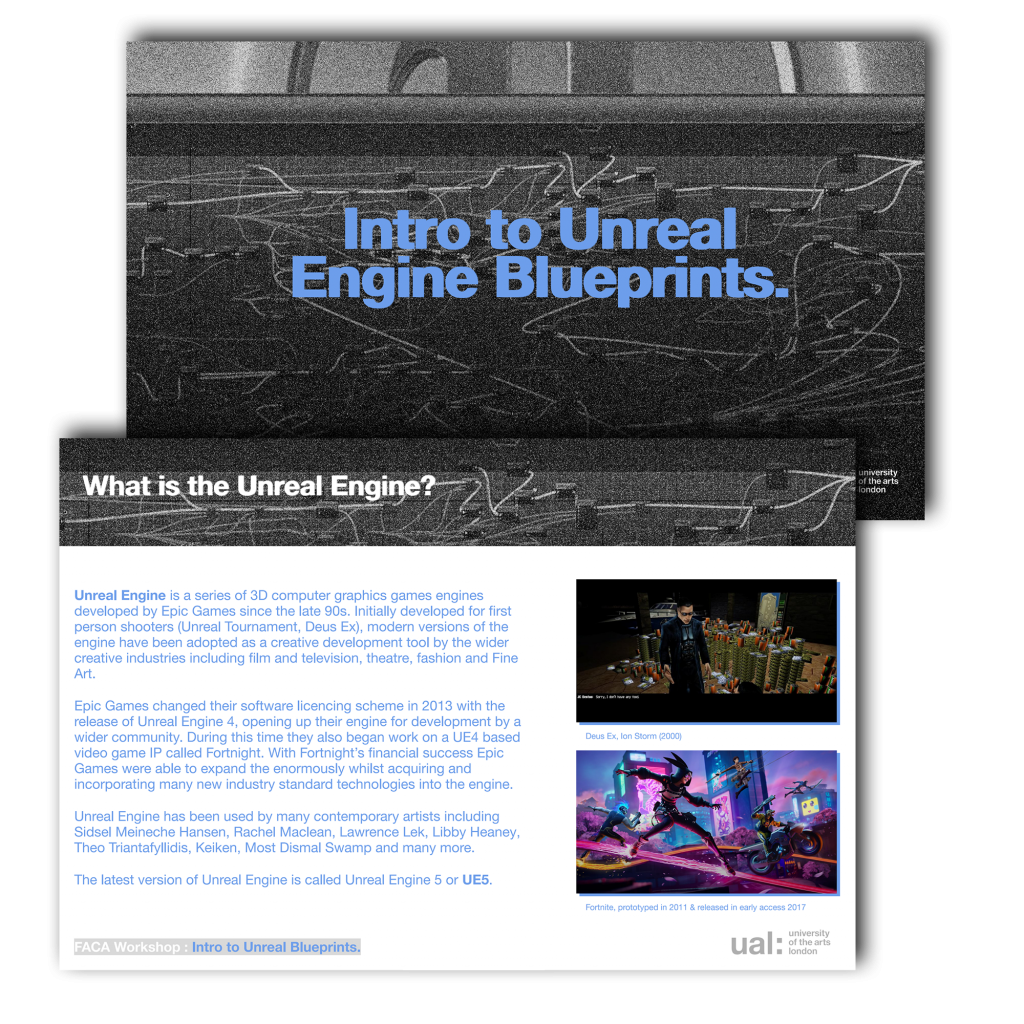
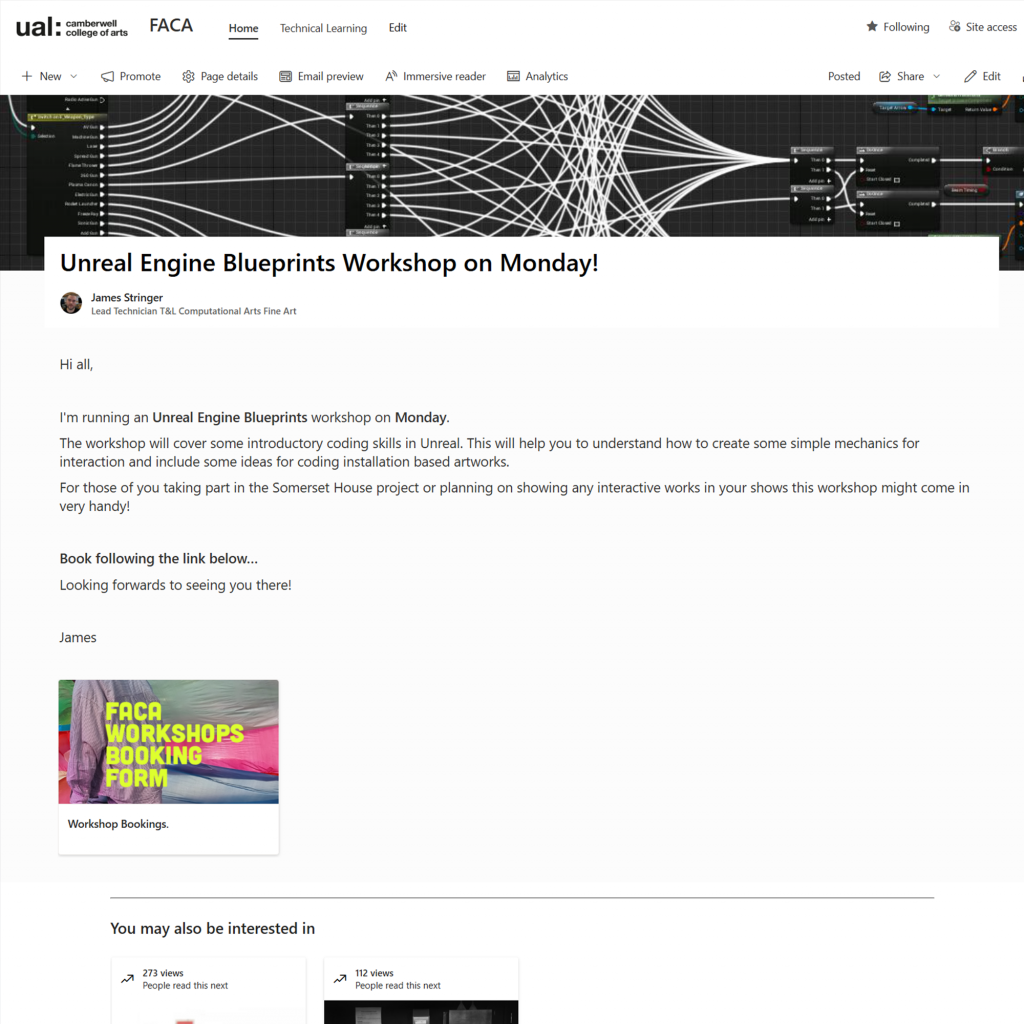
This session is a part of my wider workshop series exploring the videogame engine Unreal Engine, within a Fine Art Context. This session programmed to coincide with the Fine Art Computational Arts World Building unit devised by Ninon Ardisson.
How long have you been working with this group and in what capacity?
The group is a mix of BA and MA students on the Fine Art Computational Arts pathway at Camberwell College of Arts.
What are the intended or expected learning outcomes?
Learning outcomes for the Computational Arts sessions will include the following:
Learning outcomes for this session will include the following:
– An introduction to the Blueprints Scripting Language and it’s usages.
– A basic understanding of scripting techniques inside of Unreal Engine.
– Learning about Functions, Variables and Components, by following along and building two script examples.
– An understanding of how scripting can be used to build wider applications and art works.
– Building new skills required to take part in the World Building unit.
What are the anticipated outputs (anything students will make/do)?
They will produce two re-usable scripts within Blueprints.
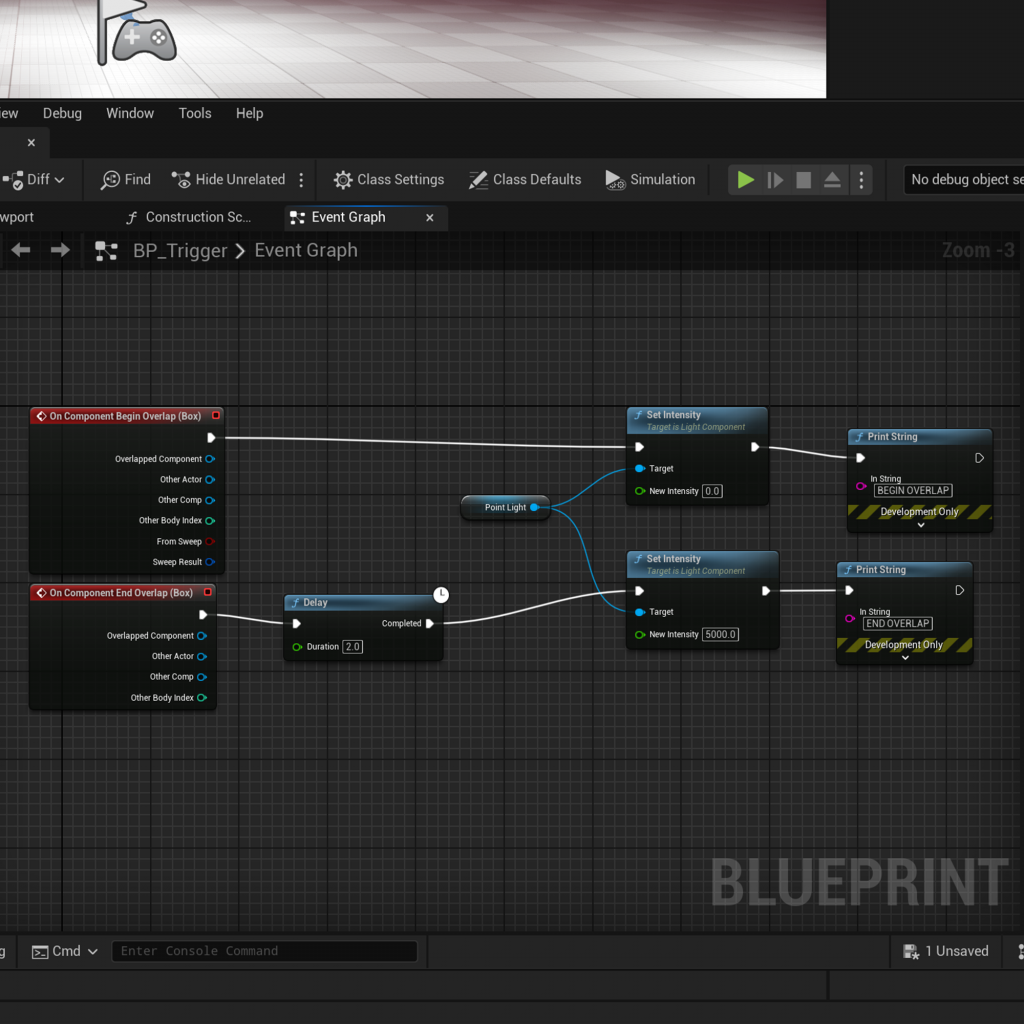
– Blueprint one is used to trigger things in the world.
– Blueprint Two is an inactivity timer used to detect whether or not a player is interacting with the application.
Are there potential difficulties or specific areas of concern?
– Blueprints can seem intimidating at first.
– The second Blueprint contains some maths that students may struggle to understand.
– Possible software, IT or computer issues.
How will students be informed of the observation/review?
I will brief the students about the observation at the beginning of the session.
What would you particularly like feedback on?
– Student engagement with the subject.
– Accessibility of the technology.
– Clarity of the subject and its potential uses within a fine art context and for the course.
– pace and scope of the subject.
– Organization of the workshop and shared resources.
– My ability to communicate the subject.
How will feedback be exchanged?
Via email.
Part Two
Observer to note down observations, suggestions and questions:
#introprep
You do quite a bit of organising and prep beforehand, troubleshooting the tech students are using seems like a significant part of the work you do, helping students log-in to the system, helping one student with her access to the systems. Asking if there the student has a hard drive to back things up on and it made me wonder if there was a (generic) prep sheet for such sessions or whether you could make one? You are handling multiple elements in the room including the sensory information coming from the different screens and the noise of the fans on the computers. It is a testament to your skill that you are able to bring focus to the space and the learning activity.
#context
Your storytelling around the software you are using is skilful in filling out the learning contexts for the student. You connect this morning’s workshop to the previous introductory one, and the notes around C++ and the visual scripting brings the session into focus – it helps them see and understand the design of their learning, really good. The story about working with the artist using quantum computing is interesting. It reminds me that we are often reticent about discussing our own practice – it can feel self-centred, or marginal. But actually, it helps locate the lesson-learning in everyday life, it can help the students identify with stories of difficulty, failure and success. You did Fine Art at one of the best schools in the world and became a music producer and someone highly skilled in the latest technologies, software and hardware. You probably do this already James, but if not I think it is worth thinking about how to extract lesson examples (parables) from our own professional experiences.
#spacenavigation
You are really clear in explaining the information on the big central screen, going through each step, then walking around showing students how to access the editor and load it. Also, in finding the resources on screen, how to access the folder called levels on blueprint, moving the cursor around checking the students are following, then showing the students how to save the file they have created on screen, emphasizing it is important to keep an eye on not losing work. You are required to have lots of eyes on many different activities, it is very impressive.
#worldsnavigation
It is really interesting when you make the connection between the ‘trigger’ and the stick figure running around on screen and the world beyond the screen this kid of visual may connect to. The students look up from the screen and listen closely when you begin to discuss how this coding/activity might be used in a gallery if you were showing work, how to anticipate the visitor experience, how it might be used with a timer, or if it might make a sound when it resets. You are constantly translating between the software, the screen and the world beyond it that it is making possible.
#pacing
It is worth thinking about the rhythm and the method of your checking in. It’s great that you are alive to the fact that in this exercise some of them lose the location of the object in the landscape they are creating. It seems (for this observer) the pace of the lesson is working as the students are keeping up.
#pedgagogyoflight
The section on the ‘point of light’ is really engaging for the students too, they get quite animated by the practice of darkening the screen. In general, your voiceover for the slides complements your screen action really well, it is a tricky skill to pull off – that you’re not just saying what you are doing, but teaching it, sharing the process. The light activity is an effective one too as it seems a little trickier and students get more involved in mutual problem-solving.
Summary
There is so much going on in what you are doing James, it is very impressive how you keep all the balls in the air. I wondered whether in exercises where people are sharing a screen, is it worth highlighting that they could take turns – maybe they do this already. I also wondered if there was a way in which they could register that they are ready to move on are have problem? I was thinking of another screen (yikes!) like the chat facility on Teams. I know, they could simply ask a question, but I guess sometimes in activities like this people don’t want to show that they don’t know – so a thumbs up (or the absence of a thumbs up) shows whether/when people have completed a task. When there are international students, it feels like it is worth finding different ways to check-in – you are already in the rhythm of this, and conscious of it, this is as much a note to myself. You are really attentive to resolving questions and problems, especially the poor student who couldn’t log on at first. What shouldn’t be underestimated is the atmosphere of the learning environment, students feeling at ease and safe in not-knowing-things immediately, and you provide a friendly, unpressurised space – that is a key factor in the quality of your communication with the students.
Part Three
Observee to reflect on the observer’s comments and describe how they will act on the feedback exchanged:
Overall I’m extremely satisfied with John’s generous feedback to the observation. He has highlighted some key areas of concern for me and has echoed some of Reinis Lismanis’s comments from our previous sessions. Here are some follow up actions to build upon the existing comments from Reinis. It is worth also noting that in both instances I was observed teaching under the same conditions in the same computer room based in the Computational Arts department. This has created significant overlap in some of the feedback.
- Preparing hand-outs of prep sheets for students to help them to prepare – This was offered in the form of a shared resource folder containing my slides and some setup information but it would be difficult to prepare something generic for all workshops owing to breadth of subjects I am teaching.
- Maintenance of machines to reduce noise and other Software issues – Perhaps more a staffing issue as I am not always able to test physical hardware and prepare the workshop content in time for the workshops.
- Creating ways for students to communicate around potential computational anxiety is an excellent suggestion and I will research this further. This is also something I’ve touched upon in my case study around computer literacy.
Leave a Reply